Faraday Future
FF Nova
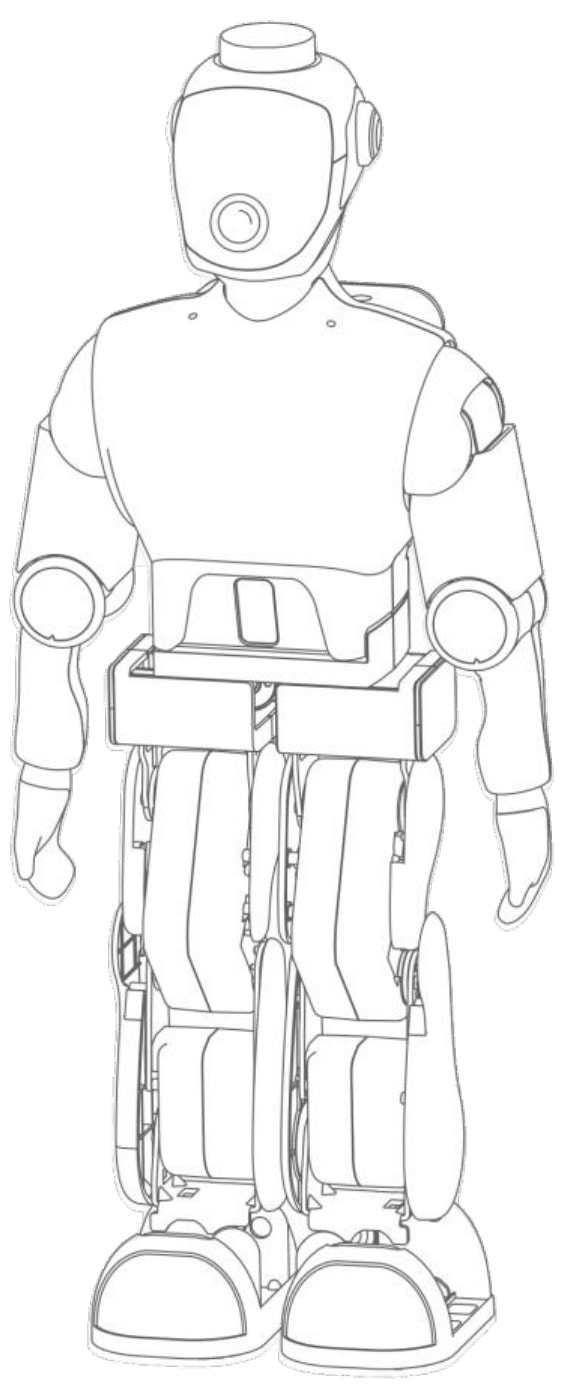
Product images are for reference only. Actual product may vary.
Step 1
Power On
the Robot
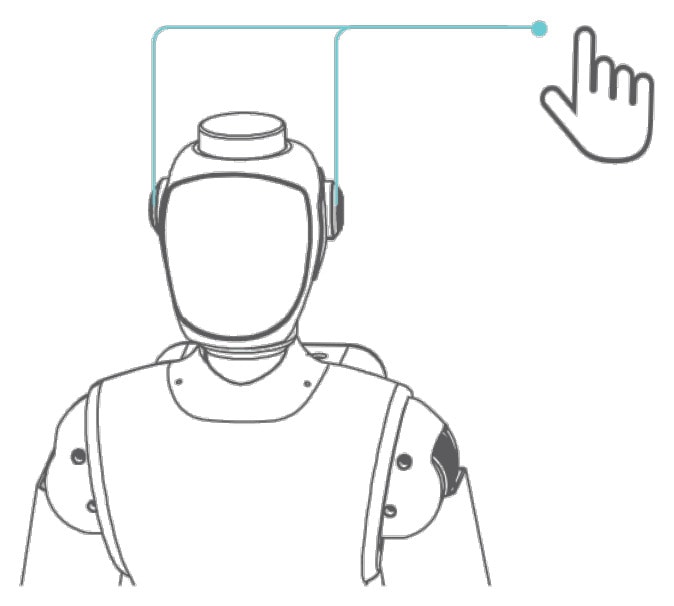
- Hold either power button for 3 seconds.
- Wait approximately 1 minute until the indicator lights turn solid white.
Step 2
Select the Remote
Control Mode
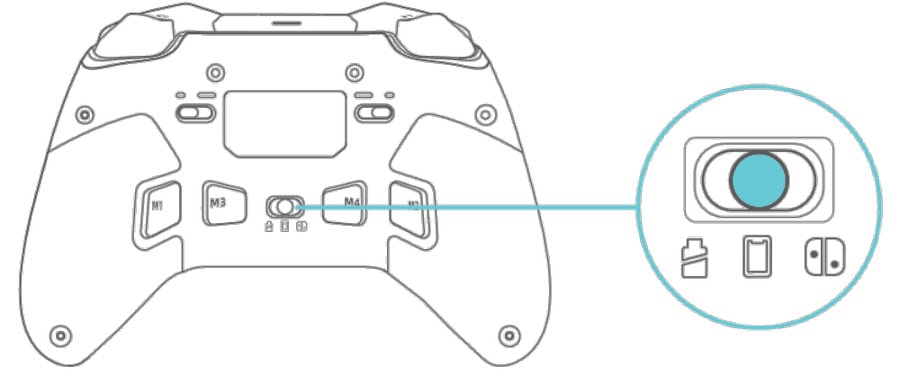
- Set the mode selector switch on the back of the remote control to .
Step 3
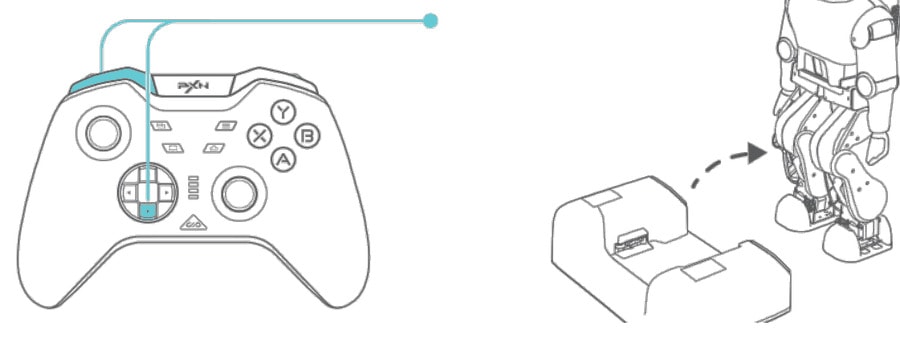
Pair the
Remote Control
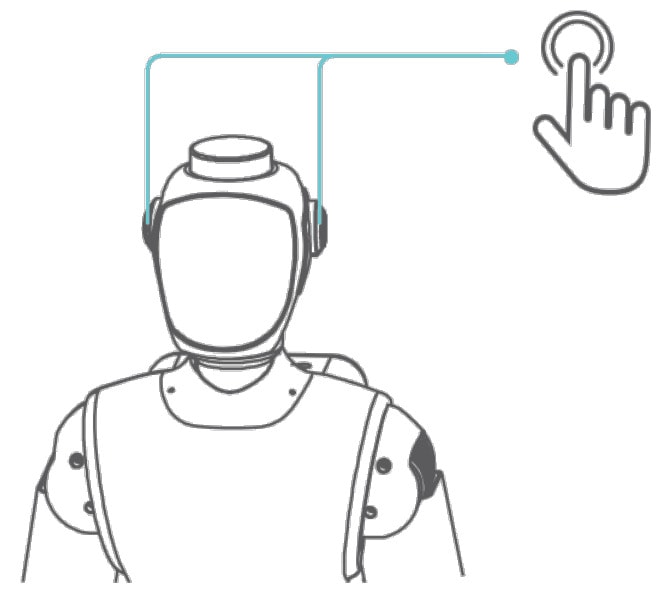
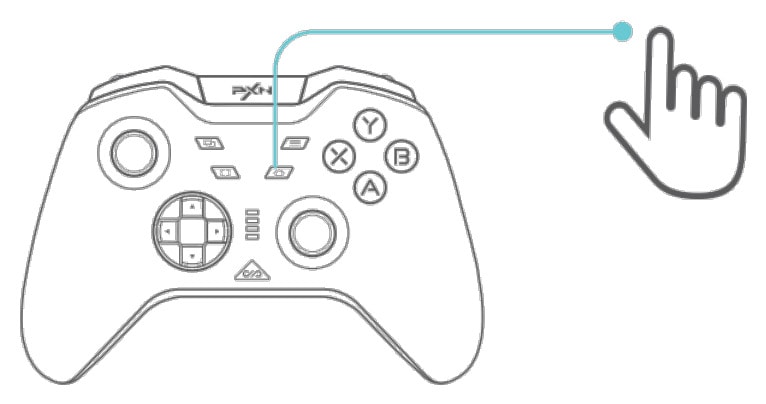
- Double-click the robot’s power button. The lights flash white.
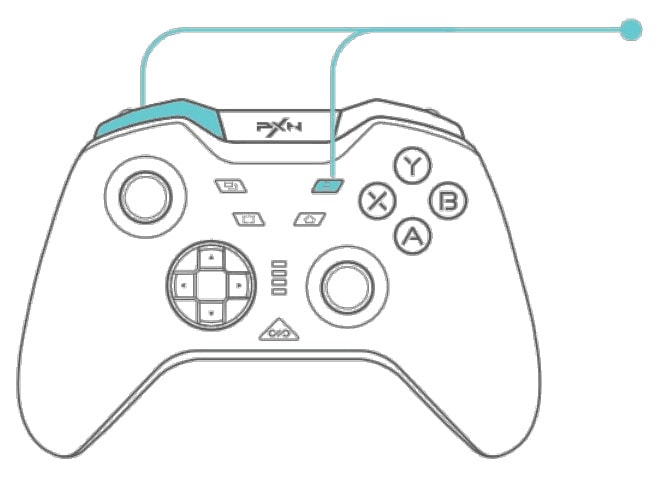
- Hold the indicated pairing button for 5 seconds . Channel 2 flashes rapidly; the indicator turns solid green.
- The remote vibrates when pairing is complete.